
Revyl Atlas report
Calm app screen map and user flows
Revyl Atlas mapped 49 iOS app screens, 77 transitions, 20 user paths, and 313 UI elements in Calm. Use this report for mobile UX research, QA coverage planning, competitive teardown work, and AI agent navigation context.
Research uses
What this Calm app map helps teams inspect
Key journeys
Calm mobile app user flows
Home to Meditation
Calm's home to meditation flow moves users from Home to Meditation across 4 mapped iOS app screens. Use this path for mobile UX teardown work, QA coverage planning, and AI agent navigation context.
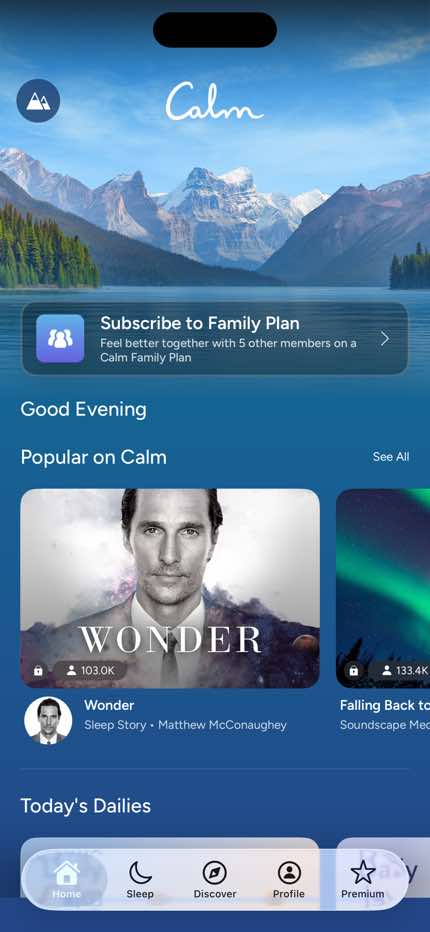
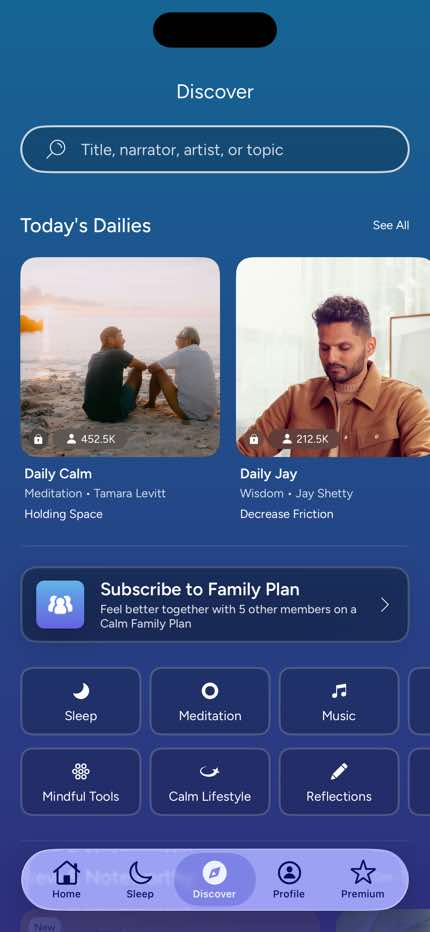
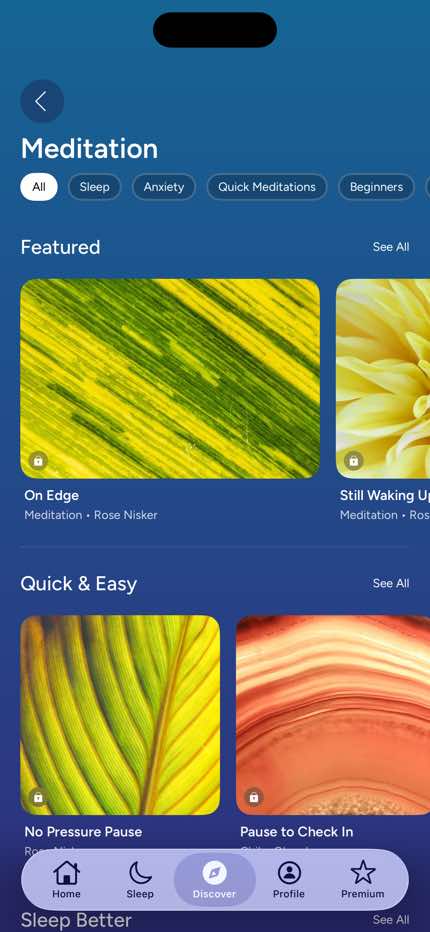
- Home
- Sleep
- Discover
- Meditation
Home to Music
Calm's home to music flow moves users from Home to Music across 4 mapped iOS app screens. Use this path for mobile UX teardown work, QA coverage planning, and AI agent navigation context.
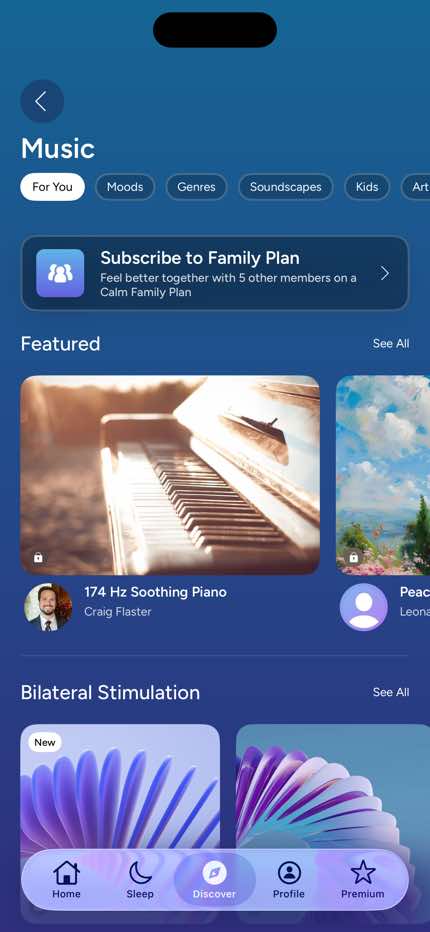
- Home
- Sleep
- Discover
- Music
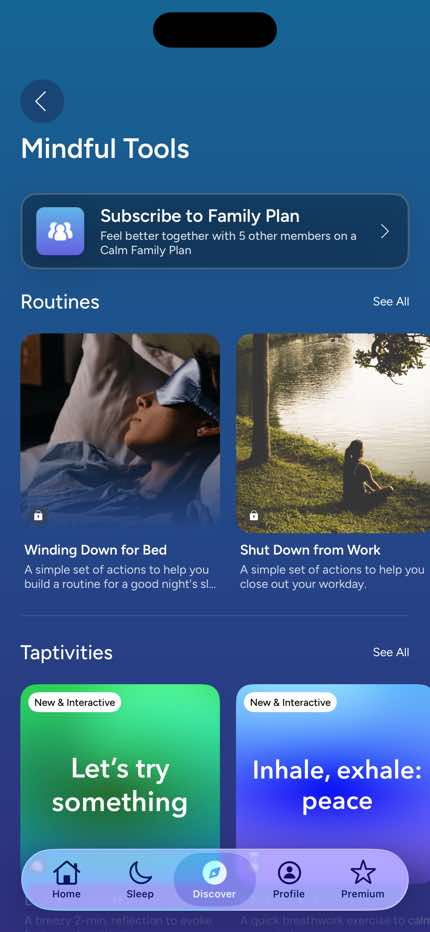
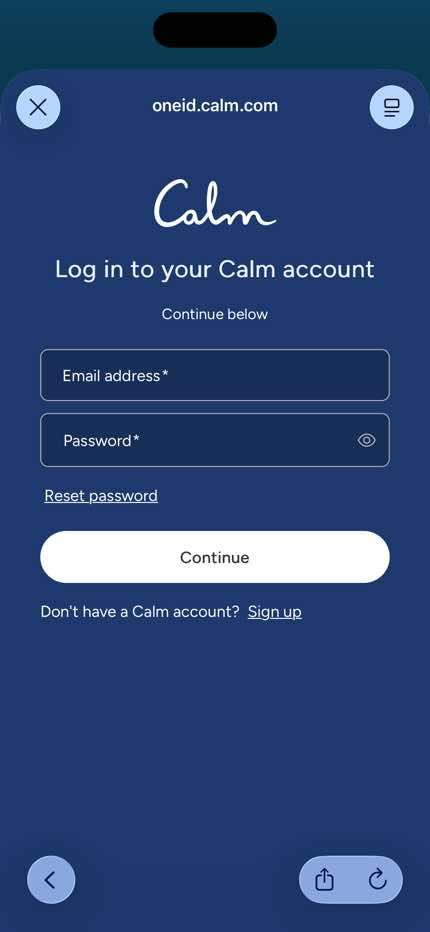
Home to Auth — Log In (Email)
Calm's home to auth — log in (email) flow moves users from Home to Auth — Log In (Email) across 7 mapped iOS app screens. Use this path for mobile UX teardown work, QA coverage planning, and AI agent navigation context.
- Home
- Sleep
- Discover
- Mindful Tools
- Auth — Select Sign-In Method
- Auth — Create Account (Email)
+ 1 more mapped screens in this flow.
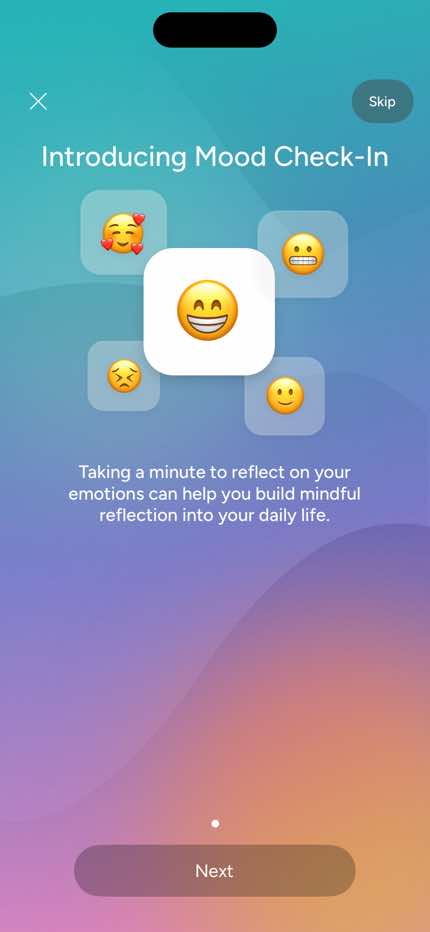
Home to Check-In — Discard Confirm Dialog
Calm's home to check-in — discard confirm dialog flow moves users from Home to Check-In — Discard Confirm Dialog across 6 mapped iOS app screens. Use this path for mobile UX teardown work, QA coverage planning, and AI agent navigation context.
- Home
- Sleep
- Discover
- Mindful Tools
- Auth — Select Sign-In Method
- Check-In — Discard Confirm Dialog
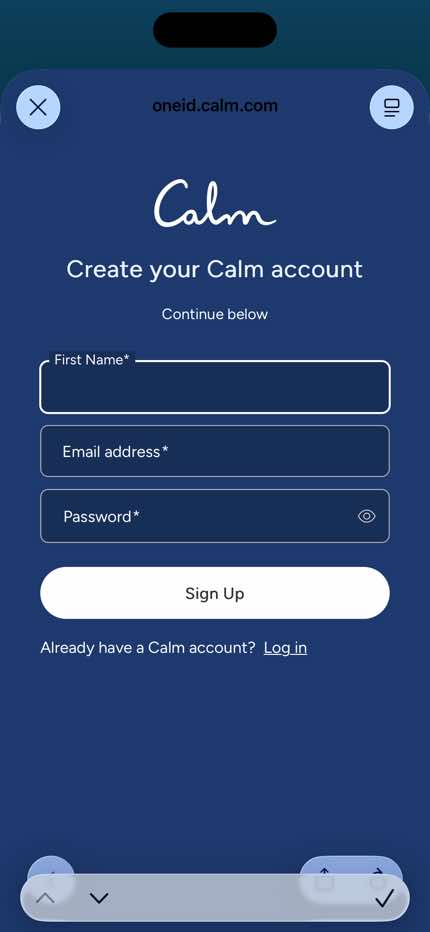
Home to Auth — Create Account (Email)
Calm's home to auth — create account (email) flow moves users from Home to Auth — Create Account (Email) across 7 mapped iOS app screens. Use this path for mobile UX teardown work, QA coverage planning, and AI agent navigation context.
- Home
- Sleep
- Discover
- Mindful Tools
- Auth — Select Sign-In Method
- Auth — Log In (Email)
+ 1 more mapped screens in this flow.
Home to Calm Lifestyle
Calm's home to calm lifestyle flow moves users from Home to Calm Lifestyle across 4 mapped iOS app screens. Use this path for mobile UX teardown work, QA coverage planning, and AI agent navigation context.
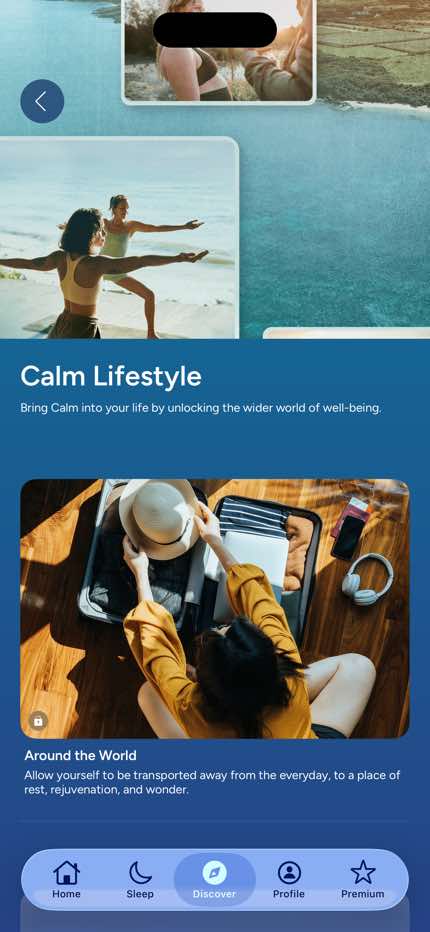
- Home
- Sleep
- Discover
- Calm Lifestyle
Home to Auth — Log In (Email)
Calm's home to auth — log in (email) flow moves users from Home to Auth — Log In (Email) across 10 mapped iOS app screens. Use this path for mobile UX teardown work, QA coverage planning, and AI agent navigation context.
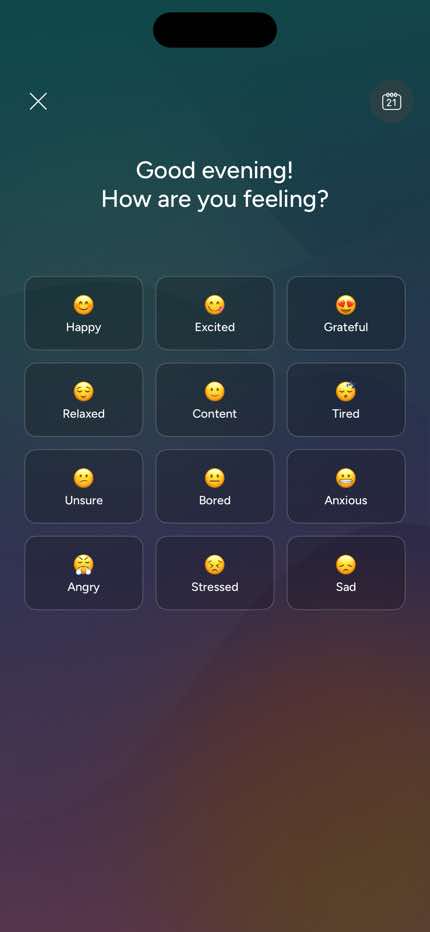
- Home
- Sleep
- Discover
- Reflections
- Mood Check-In — Intro
- Mood Check-In — Emotion Select
+ 4 more mapped screens in this flow.
Home to Check-In — Discard Confirm Dialog
Calm's home to check-in — discard confirm dialog flow moves users from Home to Check-In — Discard Confirm Dialog across 9 mapped iOS app screens. Use this path for mobile UX teardown work, QA coverage planning, and AI agent navigation context.
- Home
- Sleep
- Discover
- Reflections
- Mood Check-In — Intro
- Mood Check-In — Emotion Select
+ 3 more mapped screens in this flow.
Screen inventory
High-density screens in the Calm app
UI inventory
Interface elements found by Atlas
Related maps